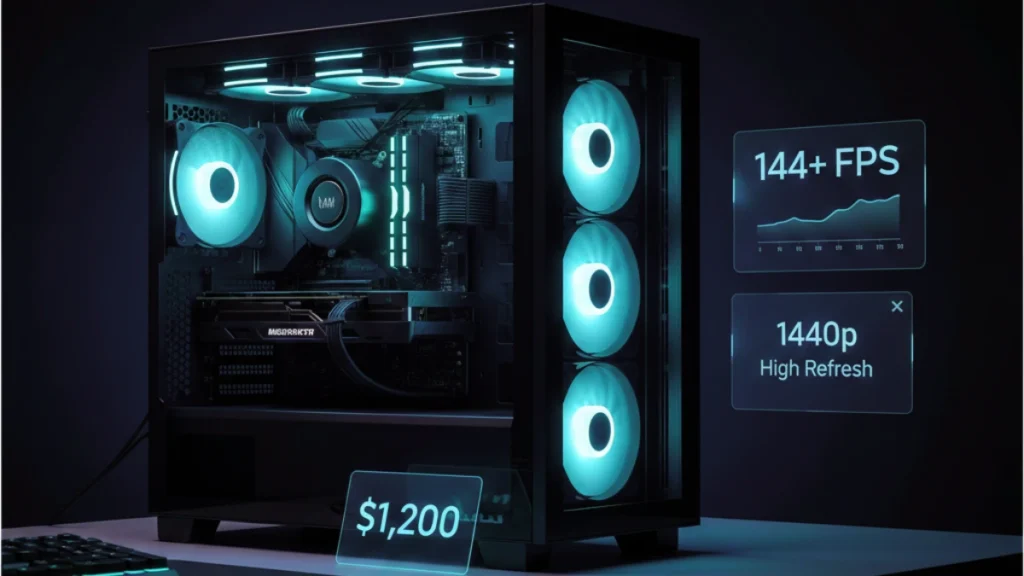
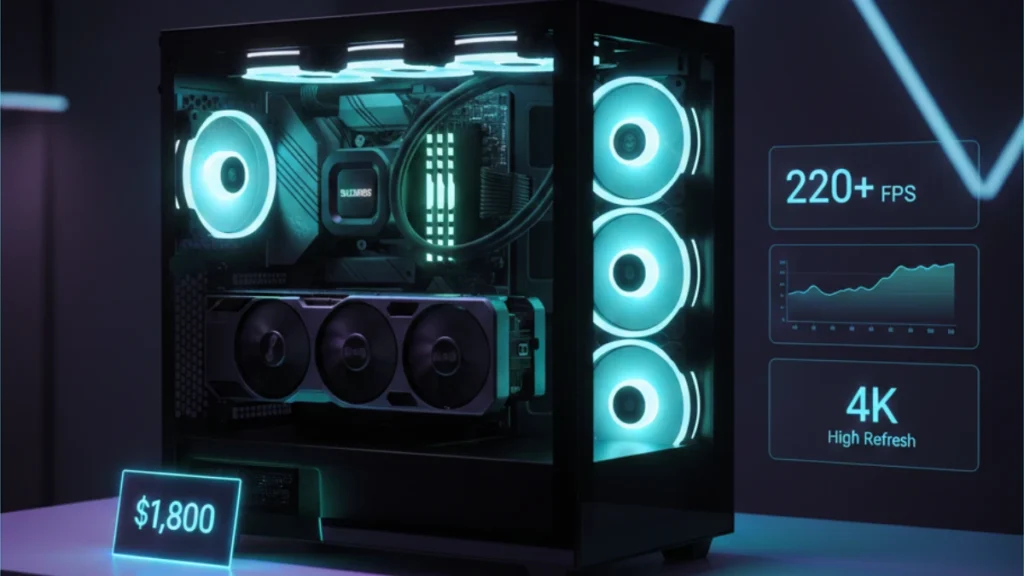
When you’re chasing 240Hz at 1440p, the hardware requirements jump significantly. This isn’t about hitting 60 FPS and calling it playable, it’s about maintaining framerates that actually utilize premium high-refresh monitors. At $1,800, you’re building a system that treats 144 FPS as a floor rather than a ceiling, where competitive games run at 300+ FPS and demanding titles stay smooth without compromise.
I built a system in this range for my main gaming rig last year. The difference between “good enough” and “genuinely fast” is something you feel immediately: input responsiveness, motion clarity, the way games just flow. Once you experience high-refresh gaming done properly, going back feels sluggish in ways that are hard to articulate but impossible to ignore. For a complete overview of building at every budget tier, see the complete guide to building a gaming PC.
Understanding high-refresh requirements
High-refresh rate gaming demands more than raw average FPS. The consistency matters as much as the peaks.
240Hz monitors update every 4.17 milliseconds. To fully utilize that refresh rate, your system needs to deliver frames at least that quickly, and ideally faster for the lowest possible input latency. Frame time consistency becomes critical; a system averaging 240 FPS with frequent dips to 120 FPS feels worse than one holding steady at 200 FPS.
The 1% low metric matters enormously here. That number represents your worst-case performance, what you experience during intensive moments when the action heats up. A high-refresh build needs strong 1% lows, not just impressive averages that collapse during demanding scenarios.
This $1,800 budget targets consistent 200+ FPS in competitive titles and 100-144+ FPS in demanding games at 1440p high settings. The hardware headroom means you’re not constantly compromising, you set quality where you want it and the system delivers.
Component selection for maximum performance
Every component in this build prioritizes performance and consistency over aesthetics or unnecessary features.
CPU: AMD Ryzen 7 7800X3D or Intel Core i7-14700K (~$340-400)
The processor choice at this tier genuinely affects gaming performance. Both options are excellent but serve different priorities.
The Ryzen 7 7800X3D is simply the best gaming CPU available in 2025. That massive 3D V-Cache delivers measurably higher framerates in CPU-limited scenarios, I’ve seen 15-25% improvements over non-X3D chips in games like Starfield and Cities: Skylines 2. For a pure gaming build, nothing beats it. The 7800X3D has dropped in price throughout 2024-2025, making it more accessible than ever.
The Intel Core i7-14700K offers slightly lower gaming performance but substantially better productivity capability. Those extra E-cores (8 P-cores + 12 E-cores) crush rendering, compiling, and streaming workloads. If your PC serves double duty for work and play, the 14700K’s versatility might justify the gaming performance trade-off.
My recommendation for a dedicated gaming build: the 7800X3D. The gaming performance advantage is measurable and meaningful. That cache difference shows up exactly where you notice it most, during intensive gameplay moments when other CPUs start struggling.
GPU: RTX 4070 Ti SUPER or RX 7900 XT (~$700-800)
The graphics card defines high-refresh capability more than any other component. Both options deliver exceptional 1440p performance with different strengths.
The RTX 4070 Ti SUPER brings 16GB VRAM, excellent ray tracing performance, DLSS 3 frame generation, and NVIDIA’s mature software ecosystem. It’s the more refined option, predictable performance, broad compatibility, and features that keep expanding through driver updates. The SUPER refresh improved specs meaningfully over the original 4070 Ti while maintaining reasonable power consumption.
The RX 7900 XT offers more raw rasterization power and typically costs $50-100 less. In traditional rendering scenarios, it often matches or beats the 4070 Ti SUPER. The 20GB VRAM provides extreme headroom for future titles and 4K texture packs. AMD’s FSR 3 with frame generation has closed the gap with DLSS, though NVIDIA still holds an edge in image quality.
Testing both cards extensively, the RTX 4070 Ti SUPER provides a more consistent experience across diverse titles. DLSS support in demanding games provides substantial performance gains that close any raw performance gap. But the RX 7900 XT at $50-100 less represents compelling value if you prefer AMD or don’t prioritize ray tracing.
Motherboard: B650E (AMD) or Z790 (Intel) (~$200-250)
Higher-tier motherboards provide features that matter at this performance level. Better VRM cooling sustains boost clocks longer. Multiple M.2 slots accommodate storage expansion. Quality audio codecs improve gaming immersion. Robust networking ensures reliable online performance.
Look for boards with PCIe 5.0 support for future GPU compatibility, quality audio implementation, multiple high-speed USB ports, and networking that matches your needs (2.5Gb Ethernet minimum, WiFi 6E if wireless matters).
Don’t overspend on X670E or extreme Z790 variants unless you’re planning serious tuning. The 7800X3D doesn’t overclock traditionally anyway, and the 14700K delivers excellent performance at stock settings.
RAM: 32GB DDR5-6000 CL30 (~$130-150)
Fast DDR5 memory shows measurable gaming benefits, particularly on AM5 platforms. DDR5-6000 with tight CL30 timings represents the price-performance sweet spot, faster kits cost substantially more for diminishing returns.
32GB provides comfortable headroom for gaming plus background applications. High-refresh gaming often involves Discord, streaming software, or browser windows alongside your game, extra memory ensures nothing competes for resources.
Match your RAM speed to your platform’s capabilities. The 7800X3D’s infinity fabric sweet spot sits around 6000MHz. Intel platforms are less sensitive to memory speed but still benefit from fast DDR5. DDR5 prices have dropped significantly through 2024-2025, making high-speed kits more accessible.
Storage: 2TB Gen4 NVMe SSD (~$130-160)
High-speed storage ensures games load quickly and assets stream smoothly during gameplay. Gen4 NVMe drives deliver sequential speeds exceeding 7000 MB/s, fast enough that storage never bottlenecks your experience. DirectStorage support in newer titles makes NVMe speed increasingly relevant to actual gameplay.
2TB provides substantial capacity for a large game library. Modern AAA titles regularly exceed 100GB; having space for multiple large installations without constant management improves quality of life significantly.
Choose drives with quality controllers and TLC NAND. Samsung 990 Pro, WD Black SN850X, Seagate FireCuda 530, these represent the tier worth considering.
Power Supply: 850W 80+ Gold (~$110-140)
850W provides comfortable headroom for high-performance components with room for future upgrades. Modern GPUs experience transient power spikes that can trigger overcurrent protection on undersized units, adequate wattage prevents unexpected shutdowns during intensive gaming.
80+ Gold efficiency reduces waste heat and operating costs. Fully modular designs simplify cable management in premium builds. Quality remains paramount, Corsair RM850x, Seasonic Focus GX-850, be quiet! Straight Power 12, proven performers that protect your investment.
CPU Cooler: 280mm or 360mm AIO (~$120-160)
High-performance CPUs need high-performance cooling. The 7800X3D runs relatively cool thanks to efficient Zen 4 architecture, but a quality cooler maintains lower temperatures and quieter operation. The 14700K demands serious cooling to sustain its aggressive boost behavior across all cores.
280mm AIOs provide excellent cooling with broad case compatibility. 360mm AIOs offer maximum cooling capacity for the most demanding scenarios. Both options dramatically outperform air cooling for noise-normalized thermal performance.
Arctic Liquid Freezer II and Corsair iCUE H150i Elite LCD represent excellent value at different price points. Quality matters for pump longevity, budget AIOs often fail earlier than premium options.
Case: Premium airflow mid-tower (~$140-180)
Premium cases provide better build quality, superior airflow design, easier cable management, and features that improve the building experience. At $1,800 total budget, you can afford housing that complements your hardware.
Look for mesh front panels with dust filtration, multiple 140mm fan mounts, radiator support for your AIO (360mm top or front mount), excellent cable management solutions, and build quality that feels premium when handling.
Lian Li Lancool III, Fractal Design Torrent Compact, Corsair 5000D Airflow, these represent the tier worth considering for high-performance builds.
Complete parts list summary
| Component | Recommendation | Price |
| CPU | AMD Ryzen 7 7800X3D or Intel Core i7-14700K | $340-400 |
| GPU | NVIDIA RTX 4070 Ti SUPER or AMD RX 7900 XT | $700-800 |
| Motherboard | B650E (AMD) or Z790 (Intel) | $200-250 |
| RAM | 32GB DDR5-6000 CL30 | $130-150 |
| Storage | 2TB Gen4 NVMe SSD | $130-160 |
| Power Supply | 850W 80+ Gold Fully Modular | $110-140 |
| CPU Cooler | 280mm or 360mm AIO | $120-160 |
| Case | Premium airflow mid-tower | $140-180 |
| Total | $1,720-1,890 |
Assembly and optimization
Premium components deserve careful assembly and proper configuration.
Thermal paste application affects cooling performance measurably. Use quality paste, Thermal Grizzly Kryonaut or Noctua NT-H1 represent the enthusiast standard. The pea method works reliably: single pea-sized dot centered on the CPU spreads naturally under mounting pressure.
AIO mounting orientation affects pump longevity and performance. Mount radiators with tubes at the bottom when possible, or ensure the pump isn’t the highest point in the loop. Air bubbles naturally rise, keeping them away from the pump extends lifespan.
Fan configuration optimization maximizes cooling while minimizing noise. Front intake through mesh panels, rear exhaust, and top exhaust (or top-mounted radiator) creates effective airflow. Adjust fan curves to balance cooling against noise at your preference level.
BIOS configuration unlocks full performance. Enable EXPO (AMD) or XMP (Intel) immediately for memory, your DDR5-6000 runs at base JEDEC speeds until you do. Verify PCIe link speeds. Configure fan curves appropriately. Enable Precision Boost Overdrive on AMD platforms for automatic performance optimization within safe parameters.
Windows optimization complements hardware capability. Enable Game Mode, configure High Performance power plans, ensure drivers are current, and eliminate background bloat that might cause frame time inconsistency. For comprehensive guidance, see the Windows gaming optimization guide.
Performance expectations
This hardware combination delivers on the high-refresh promise across gaming scenarios.
Competitive esports (Valorant, CS2, Overwatch 2): 300-500+ FPS consistently. You’re limited by monitor refresh rate and engine caps, not hardware capability. Frame times stay consistent even during chaotic moments.
Popular multiplayer (Apex Legends, Warzone, Fortnite): 200-300+ FPS at high settings. Genuine 240Hz utilization in demanding multiplayer titles, the hardware keeps up with premium monitors.
Modern AAA (Cyberpunk 2077, Alan Wake 2, Starfield): 100-160+ FPS at high settings with DLSS/FSR. Demanding titles stay smooth and responsive without aggressive quality compromises.
Ray tracing: Medium-to-high RT settings with DLSS deliver 80-120+ FPS in most titles. Path tracing remains playable at 60+ FPS with appropriate DLSS scaling.
The experience feels instantaneous. Input latency drops to imperceptible levels, motion clarity improves dramatically, and games respond the moment you act. This is what high-refresh gaming is supposed to feel like.
Future considerations
This build remains capable for years while supporting meaningful upgrades when desired.
GPU upgrade represents the eventual performance improvement path. The 850W PSU handles next-generation flagship cards comfortably. When RTX 50-series or next-gen AMD cards arrive, the platform is ready. When current high-end GPUs hit reasonable used prices, dropping one in extends high-refresh capability further.
CPU upgrade on AM5 supports future Ryzen generations through at least 2027. AMD has committed to long-term AM5 support, meaning future X3D variants with even more cache will drop right in. The platform investment continues paying dividends.
Storage expansion accommodates growing game libraries through available M.2 slots and SATA ports. Add a secondary drive when 2TB feels cramped.